Conversations Overview
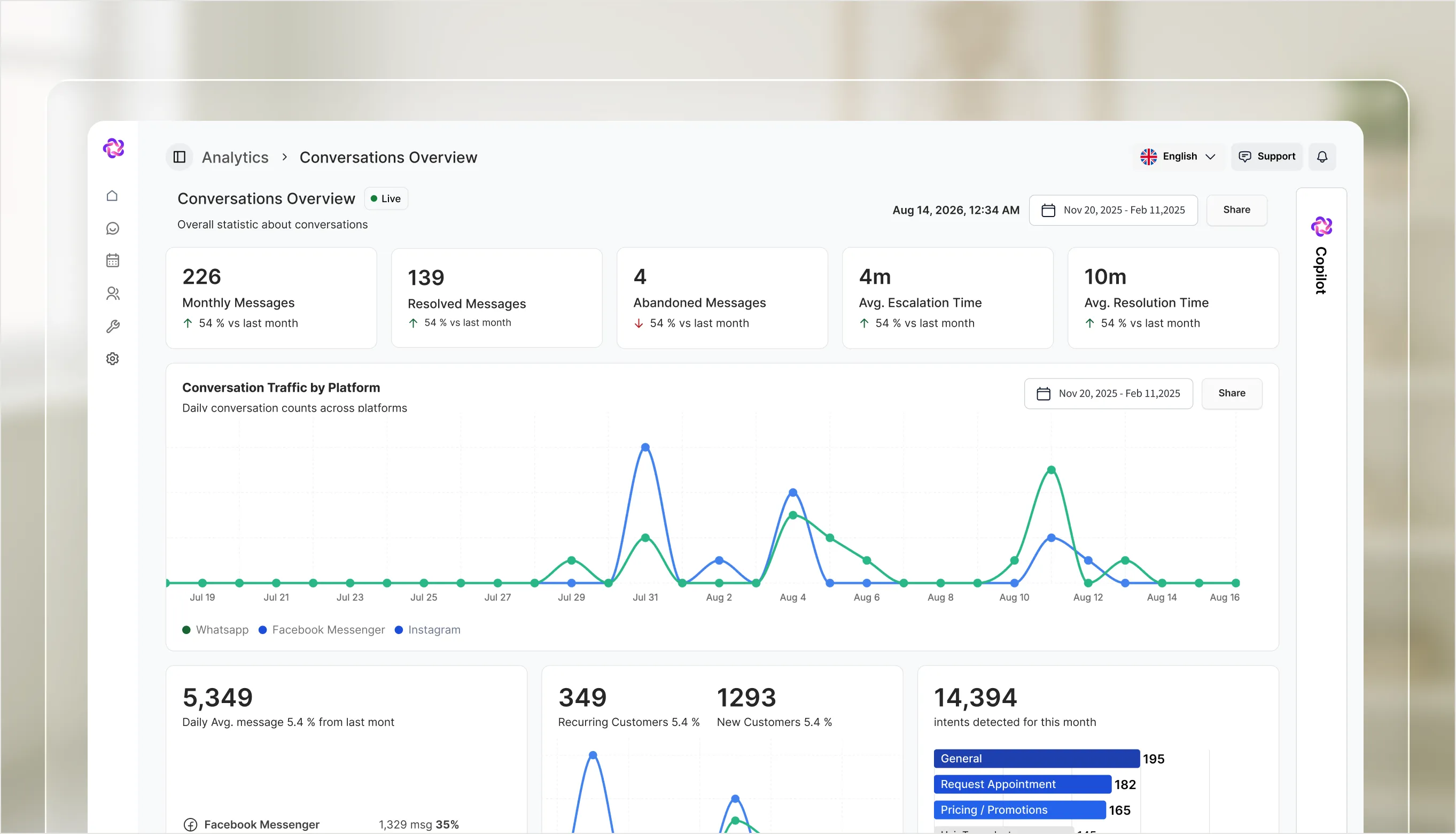
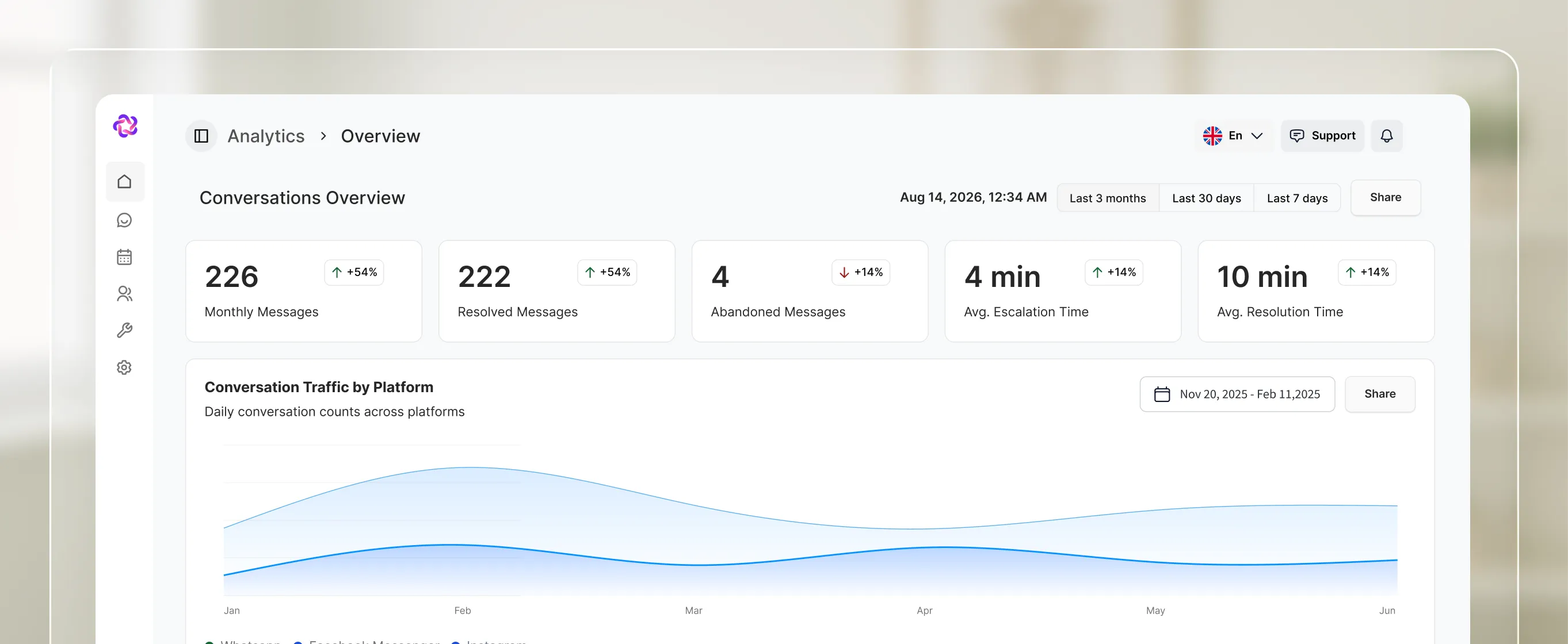
Resolved conversations, abandoned messages, and average first response, escalation, and resolution times, split by platform.

Conversation performance, campaign attribution and pipeline health, each reported from the conversations themselves, not from what your team types in.
Connect your web chat & social account in under 3 minutes.
What it does
One dashboard per question. Each view is scoped to a date range and reports live, so the numbers match what the inbox is doing right now.
Resolved conversations, abandoned messages, and average first response, escalation, and resolution times, split by platform.
Leads through engaged, qualified, and won, trended by source across Click to Messenger, Click to WhatsApp, and organic referral.
Open, won, and lost with win rate, average days to win, average days to loss, and the reasons behind losses.
In the product
Because every metric is derived from what happened in Front Desk, nobody has to maintain a spreadsheet for the numbers to be right.
See where volume actually comes from across WhatsApp, Instagram, Messenger, and website chat, over any date range.
Messages split between client, human agent, Fellix, and abandoned, so you can see how much the AI genuinely carries.
Intents are classified automatically and counted, so you can see what people come to you for rather than guessing.
Where it pays off
Trust
Message volume is split between client, human agent, and Fellix, so the share handled without a person is a number rather than an impression.
Attribution
Campaign attribution follows a lead through engaged, qualified, and won, so the funnel is measured at the end and not just the start.
Reporting
Conversations, pipeline, and campaigns are already in one place, so the dashboard is the report.
P / 3
Losses carry reasons and the pipeline view aggregates them, so the pattern is visible instead of anecdotal.
Stack comparison
Integrations
Fellix reads and writes to your CRM, storefront, calendar and helpdesk — so every conversation starts with real customer context, and every outcome lands back in the stack your team already works in.


Built to work together