Web chat

A chat widget that greets, answers, and qualifies on your own site

Visitors get a specific answer from your catalogue and policies instead of a search box, and every conversation reaches your team already qualified.

Add one snippet to your site. No developer required.

Why Web chat

Most visitors leave without ever asking their question

A search box and an FAQ page put the work on the visitor. A conversation does the opposite.

[ 00% ]

Share of visitors who leave without contacting anyone.

[ 00% ]

Conversations resolved without a human stepping in.

[ 000 ]

Qualified leads captured from site chat in a month.

Figures are placeholders. Swap in Fellix data and cite the source here before this page ships.

Training a Fellix agent on a product catalogue before it goes live

Getting started

From setup to first conversation, your agent will ready in minutes

Connect your channels, teach Fellix your business, and go live. No code required.

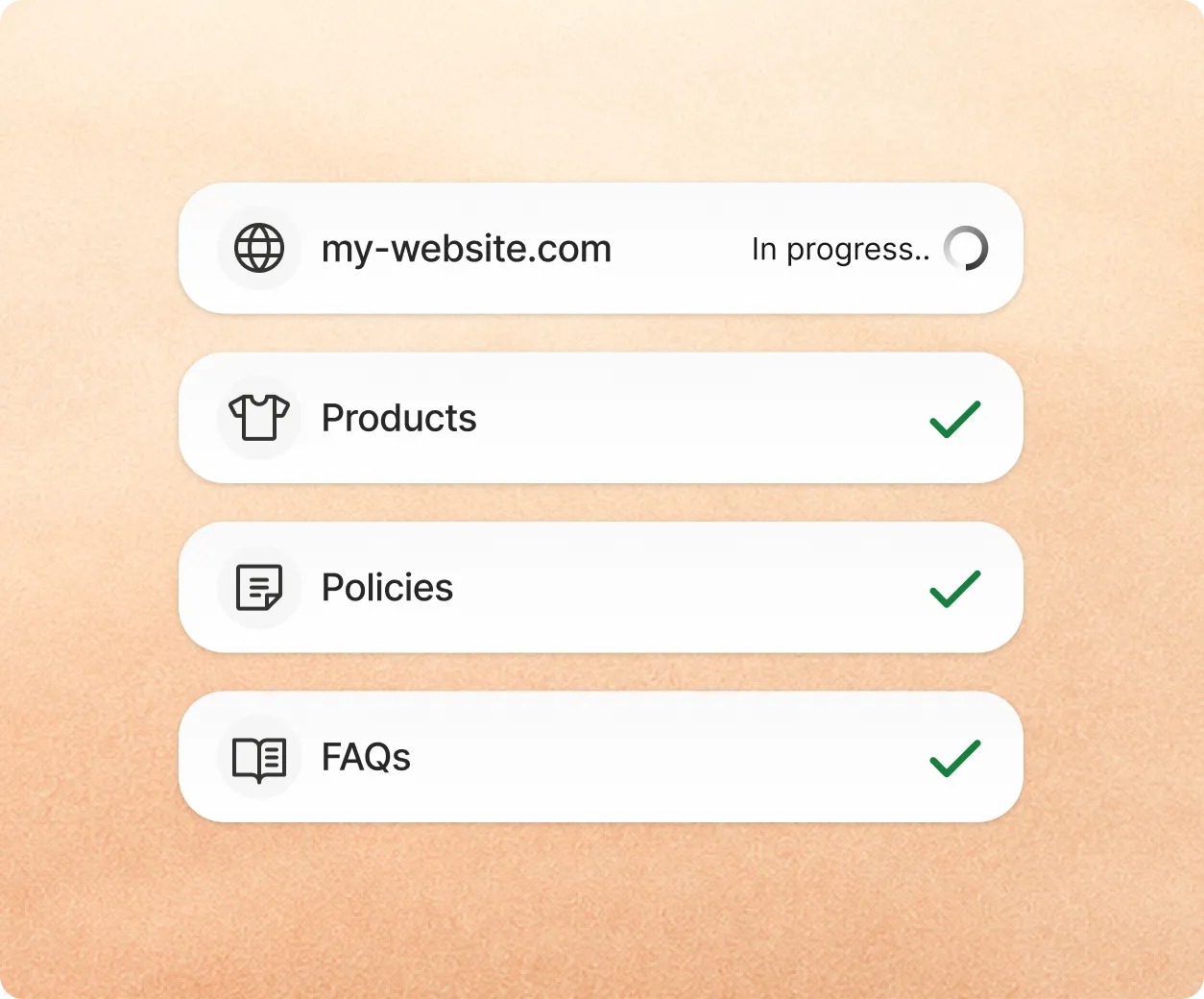
  1. 1Train itPoint Fellix at your store. It crawls products, prices, policies, and FAQs, and you add custom instructions to fine-tune the tone.
  2. 2Test itAsk the questions your customers actually ask, review what comes back, and correct anything off. It learns from every fix.
  3. 3Activate itTurn it on for web chat, then expand to WhatsApp, Instagram, and Messenger from the same knowledge base.

Capabilities

Four ways Fellix runs web chat for you

Greet with context, not a generic prompt

The widget knows which page the visitor is on and opens with something relevant to it.

Answer from your catalogue

Specific products, prices, and links rather than a redirect to the homepage.

Qualify before handoff

Name, intent, and contact details are gathered in conversation, so your team starts warm.

Hand off with the full session

Pages viewed, questions asked, and cart contents travel with the conversation.

Comparison

Site chat today vs. with Fellix

Answer qualityStatus quoA link to a help article and a hope it is the right one.Fellix AIA specific answer drawn from your catalogue and policies.
Out of hoursStatus quoNothing until the next working day.Fellix AIAnswered the moment it is asked, every night and weekend.
QualificationStatus quoYour team asks the same opening questions every time.Fellix AIIntent and details gathered before a person joins.
Context on handoffStatus quoThe agent starts from nothing.Fellix AIPages viewed, cart, and history attached to the thread.
CoverageStatus quoA separate tool from your social channels.Fellix AIOne inbox alongside WhatsApp, Instagram, and Messenger.
Volume spikesStatus quoResponse times slip during a launch or a sale.Fellix AIThe agent absorbs the volume; your team handles what needs judgement.

Integrations

Connect Fellix to the tools your data already lives in

Fellix reads and writes to your CRM, storefront, calendar and helpdesk — so every conversation starts with real customer context, and every outcome lands back in the stack your team already works in.

  • Notion
  • Salesforce
  • Google Calendar
  • Stripe
  • Typeform
  • Zapier
  • Klaviyo
  • HubSpot
  • Slack
  • Outlook
  • Twilio
  • Microsoft Dynamics
  • Shopify
  • Google Sheets