One summary that keeps up
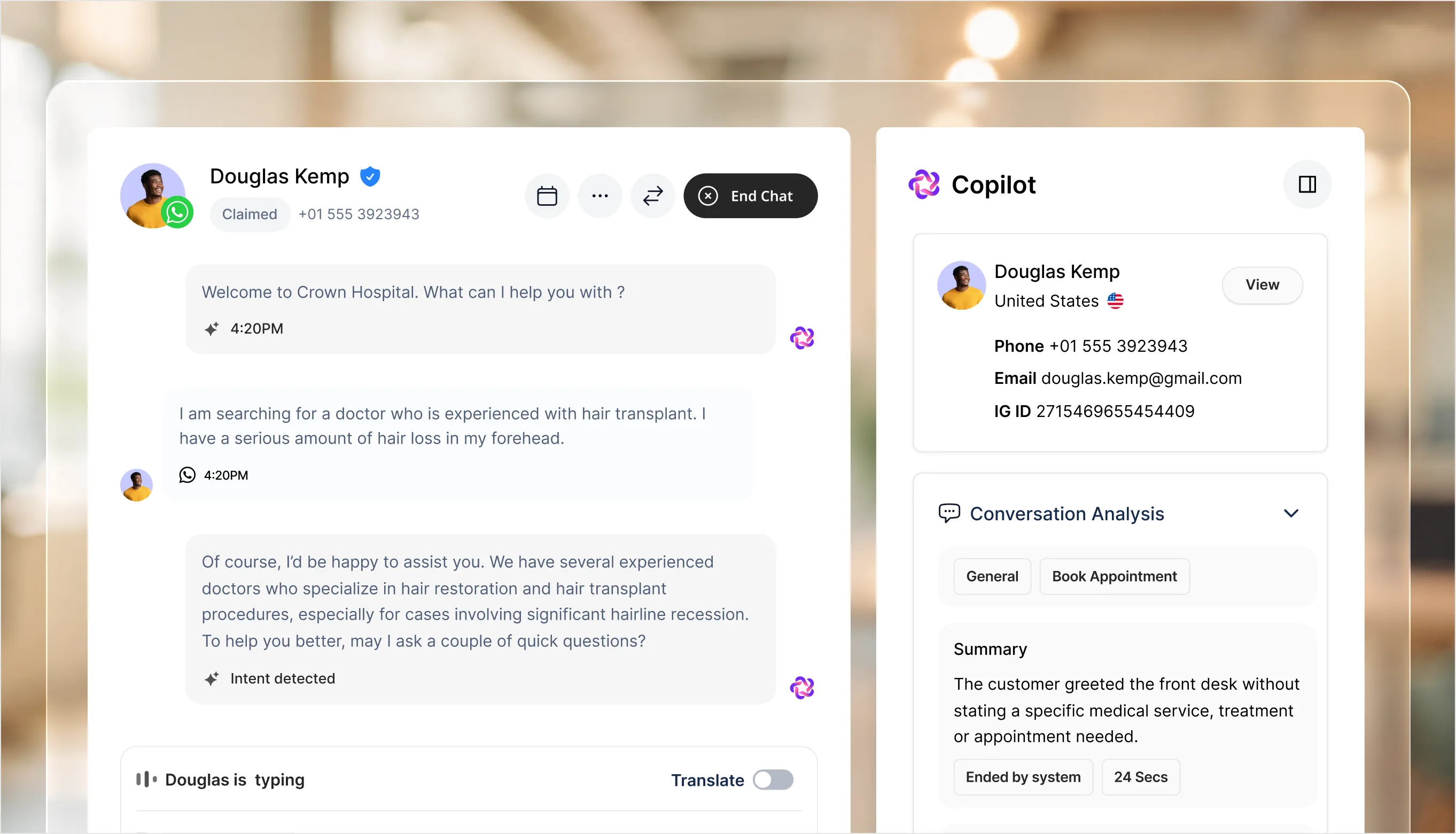
What the client wants and where it stands, in a sentence or two, rewritten after every message. Each topic they raised opens its own summary.



 Front DeskThe agentic inbox that greets, qualifies, and escalates.
 AgentsContact records built from the conversation itself.
 AI AnalysisEvery conversation read for you, beside the thread.
 LivechatWhere your agents take over and close the conversation.
 AppointmentsBooking that happens inside the chat, from your calendar.
 PipelineContact records built from the conversation itself.
 Meta Ads & CampaignsAd-driven leads in, WhatsApp campaigns out.
 AnalyticsConversations, campaign attribution, and pipeline health.
 Team ManagementTeams that own channels, with roles per member.
 AI CopilotComing soonAn assistant beside your team across the product.
 Retail & TechnologyAnswer the question that decides the sale.
 EducationEvery admissions question, answered instantly.
 Travel & hospitalityAvailability and check-in, at every hour.
 ClinicsTurn ad clicks into tracked, qualified leads.
 HealthcareSessions, tests and home visits, booked in the chat.
 Real EstateSee how Fellix is tuned to your industry.
 MCP serverWork in Fellix from Claude, ChatGPT or Cursor.
 BlogPractical thinking on AI customer conversations.
 CompanyWho we are and why we built Fellix.
 BrandLogos, colour, and type for press and partners.
 TermsThe agreement that governs your use of Fellix.
 SupportChat with the team, email us, or get help with billing.
AI Analysis sits beside every conversation with who the client is, one summary of what they want and where it stands, what has been done so far, and every change your team made, so whoever opens it knows the story.
Connect your web chat & social account in under 3 minutes.
What it does
No setup, no prompting. The analysis follows the conversation from the first message and rewrites itself as it goes.
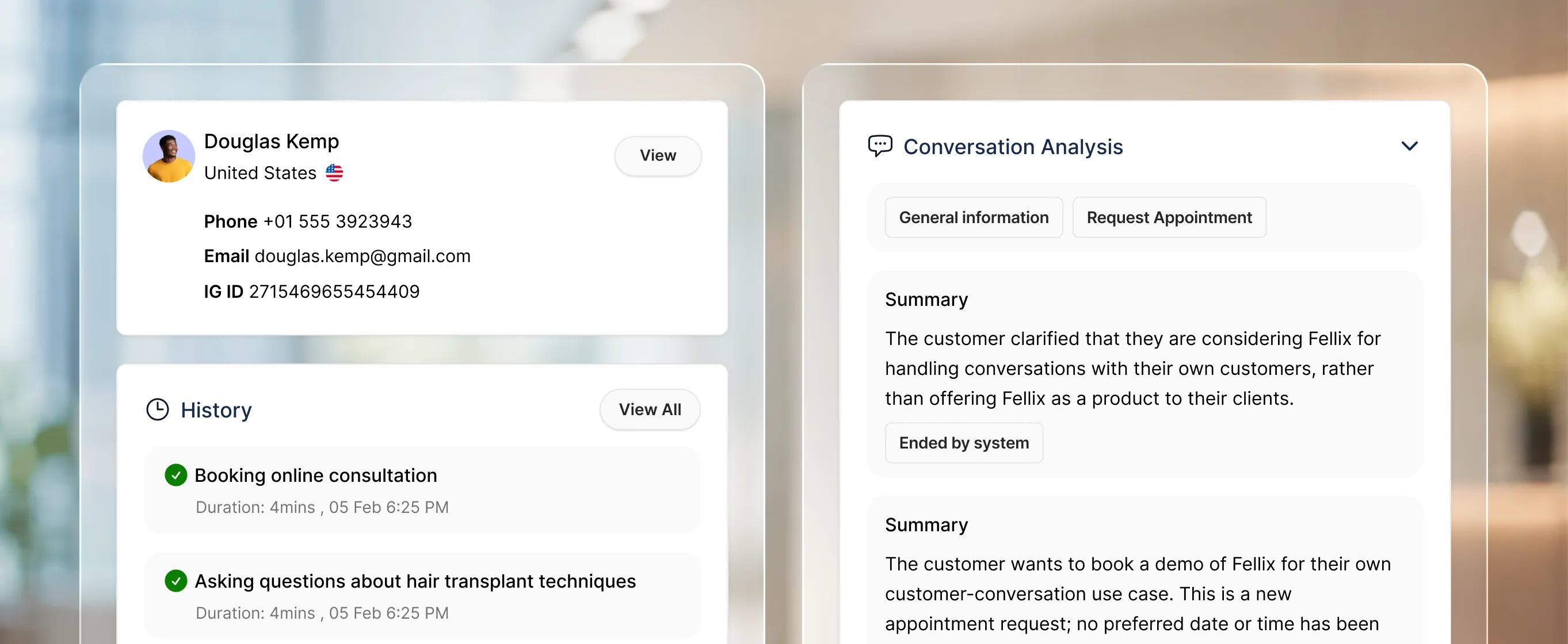
What the client wants and where it stands, in a sentence or two, rewritten after every message. Each topic they raised opens its own summary.
Times offered, bookings made, moved or cancelled, forms sent and answered, and handovers to the team, listed from what actually happened, never from the AI's reading.
Won, Lost or Open, hot, warm or cold, and the conversation's tags, set from the panel and kept on the record.
In the product
The panel starts with the client record and ends with an Activity tab that writes down every change your team made, with the value before and after.
Photo, name, country, phone, email and the channel they wrote from, with the full record one click away.
The client's latest earlier conversations, each with its topic and whether it was won, lost or still open.
Every claim, tag, status change and booking your team made, with who did it, when, and the value before and after.
Where it pays off
P / 1
The summary and the steps taken mean whoever claims a conversation starts with what happened and what is needed, not a scroll through the transcript.
P / 2
When the assistant had no answer, AI Analysis says what the client asked and lets you add the answer to your FAQs from the panel, so the next client gets it.
P / 3
The Activity tab keeps every change your team made with its before and after values, so a status or a booking never moves without a name on it.
Stack comparison
Integrations
Fellix reads and writes to your CRM, storefront, calendar and helpdesk — so every conversation starts with real customer context, and every outcome lands back in the stack your team already works in.





Built to work together